
To search for all Wales INNS, INNS from a select species list, or list attribute with an area, click on the View all occurrence records link.
This will take you to the Occurrence search page. Click on the Map tab.

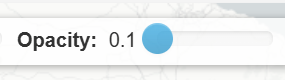
Change the Opacity setting on the map to 0.1 (move the slider to the left), to make records displayed on the map as transparent. So you can see the base map clearly.
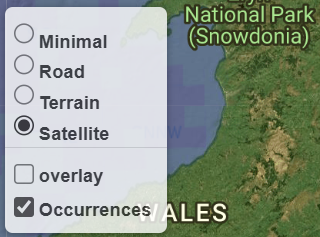
You can change the base map by clicking on the layer icon on the map.
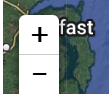
Click on the map and hold your mouse down to move around on the map. Use the plus and minus controls on the map to zoom in and out. You can also double click on the map to zoom in.
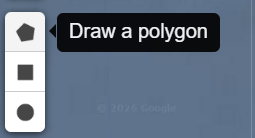
Select on of the drawing tools to draw a 1) polygon, 2) rectangle, 3) circle.
Click on the map and draw the shape/area. Then click on the Search for records in this area link.
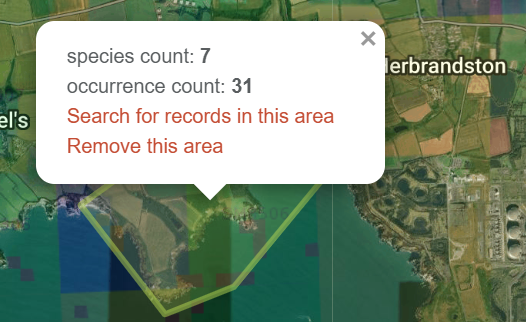
Your search will now be filtered for the area. You can change how records are displayed on the map by using the Map type. To display records as points, select an option under Display as points.
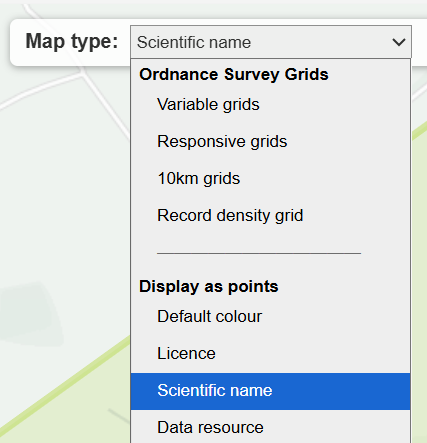
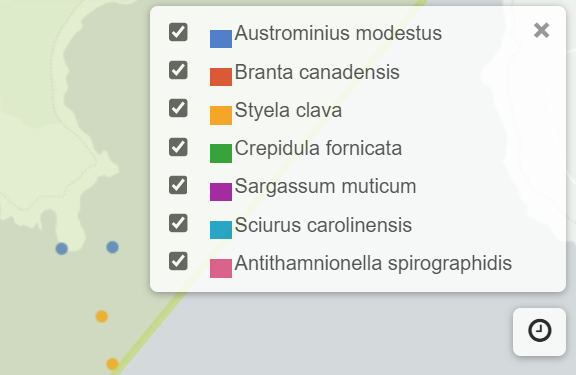
To see the legend key for the coloured points, e.g., by scientific name click

For further guidance on using the Interactive map, see the Using the interactive map guide.